
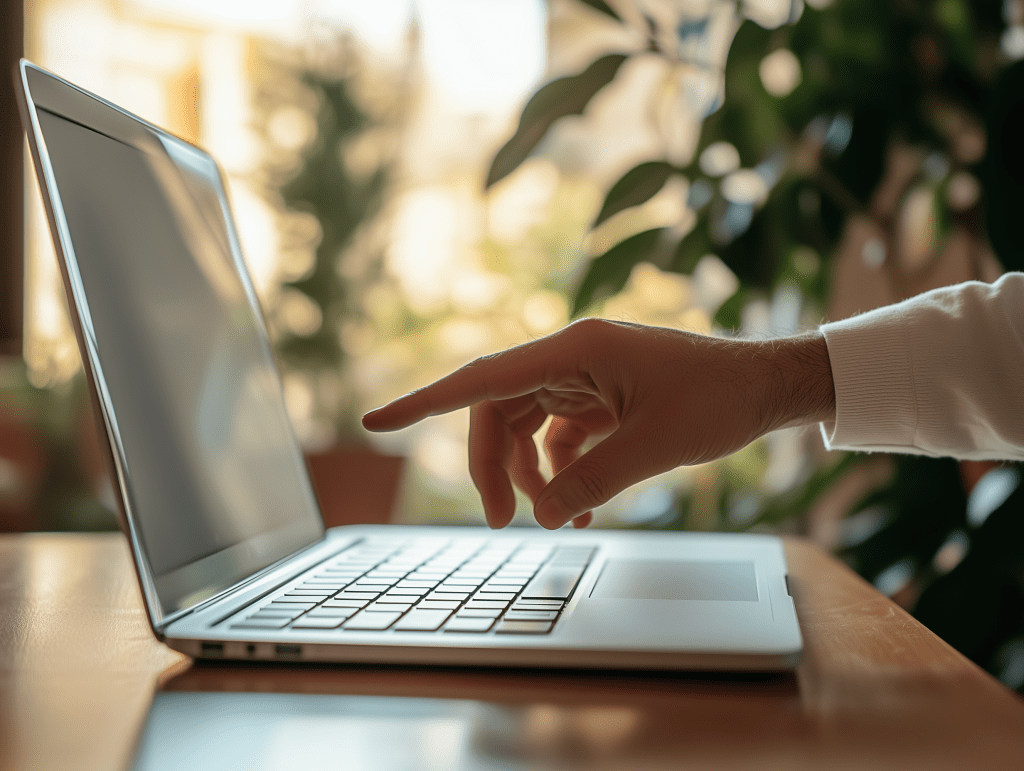
Touchscreen laptops have revolutionized how we interact with technology, blending the convenience of a tablet with the power of a laptop. With tap-and-swipe functionality, stylus compatibility, and convertible 2-in-1 designs, they offer a more flexible user experience than traditional laptops. But are they truly better for everyday use?
In this guide, we’ll answer the most common questions: Is it worth getting a laptop with a touchscreen? Which is better — touchscreen or regular laptop? What are the disadvantages of a touchscreen laptop? Whether you’re shopping for work, school, or entertainment, we’ll help you decide if a touchscreen model fits your needs.
What Is a Touchscreen Laptop?
A touchscreen laptop is a device that allows you to interact with the screen using your fingers or a stylus, much like a smartphone or tablet. Many of today’s touchscreen laptops come in 2-in-1 convertible designs, meaning they can be used as both a laptop and a tablet. Others remain traditional clamshell laptops but include touch functionality for added convenience.
Popular in both Windows and ChromeOS environments, touchscreen laptops are found in many premium and mid-range categories.
Is It Worth Getting a Laptop With a Touchscreen?
Touchscreen laptops definitely have their perks. If you’re someone who likes flexibility — maybe you switch between typing, drawing, and scrolling a lot — having that extra layer of interaction can be a game changer. Artists, designers, students, and multitaskers often love them for that reason.
Here are some reasons people choose touchscreen laptops:
- Easier navigation – Tap, swipe, zoom, or scroll directly on the screen.
- Ideal for creative tasks – Use a stylus for drawing, photo editing, or digital note-taking.
- Tablet mode for convenience – 2-in-1 laptops let you switch between typing and touch-based interaction.
- Better for presentations and collaboration – Quickly annotate documents or move through slides without a mouse.
You can tap, swipe, zoom, and even use a digital pen or stylus on many models. For folks who take notes, annotate documents, or just enjoy a more tablet-like experience, touchscreen laptops are a solid pick.
And let’s be honest — sometimes it’s just more natural to touch the screen than navigate with a trackpad or mouse.

Which Is Better: Touchscreen or Regular Laptop?
It really depends on how you plan to use your laptop. If you’re mostly browsing the web, writing emails, watching shows, or using productivity apps like Word or Excel, a traditional (non-touchscreen) laptop will do just fine — and probably save you some money too.
But if you want a laptop that works more like a 2-in-1 device — maybe something you can flip into tablet mode or use with a pen — a touchscreen laptop gives you that extra layer of control and convenience. Many touchscreen laptops come with convertible or detachable designs, which adds to their versatility.
Here’s a quick comparison to help you see the key differences between touchscreen and regular laptops at a glance:
| Feature | Touchscreen Laptop | Regular Laptop |
|---|---|---|
| Input | Keyboard + touchscreen + stylus | Keyboard + trackpad/mouse |
| Flexibility | High (especially 2-in-1) | Moderate |
| Weight | Slightly heavier | Typically lighter |
| Battery life | Ofter lower due to screen tech | Longer on average |
| Price | Generally more expensive | More budget-friendly options |
In short:
- Want simple, reliable, and more affordable? Go with a regular laptop.
- Want flexibility, creative control, and modern features? Touchscreen might be your thing.
What Are the Disadvantages of Touchscreen Laptops?
While touchscreen laptops come with benefits, they also have a few drawbacks:
- Shorter battery life – Touch-enabled displays consume more power, often reducing runtime.
- Glossy screens and glare – Most touchscreen displays are glossy, which can be harder to view in bright light.
- Higher cost – Expect to pay more for similar specs compared to non-touch models.
- Weight and thickness – The added hardware often makes them a bit bulkier.
- Smudges and fingerprints – You’ll need to clean the screen more often.
Final Thoughts
If you’re someone who values versatility — maybe you like the idea of flipping your laptop into tablet mode, or you do a lot of creative work — a touchscreen laptop could be a great fit.
But if you just need a no-fuss laptop for everyday use and you’re looking to stick to a budget, a traditional laptop is still a solid and practical choice.
Want to explore more options before deciding?
Take a look at our guide on laptop vs. tablet to see how they stack up for work, travel, and everyday use.
